App Icon
  • Create & Upload
  • Switch
  • 3DS/2DS
  • Wii U
  1. Switch
Layouts are advanced. Most users should start with a Theme Pack or Theme.
Search & Filter
4 results
Quick Links
Screenshots
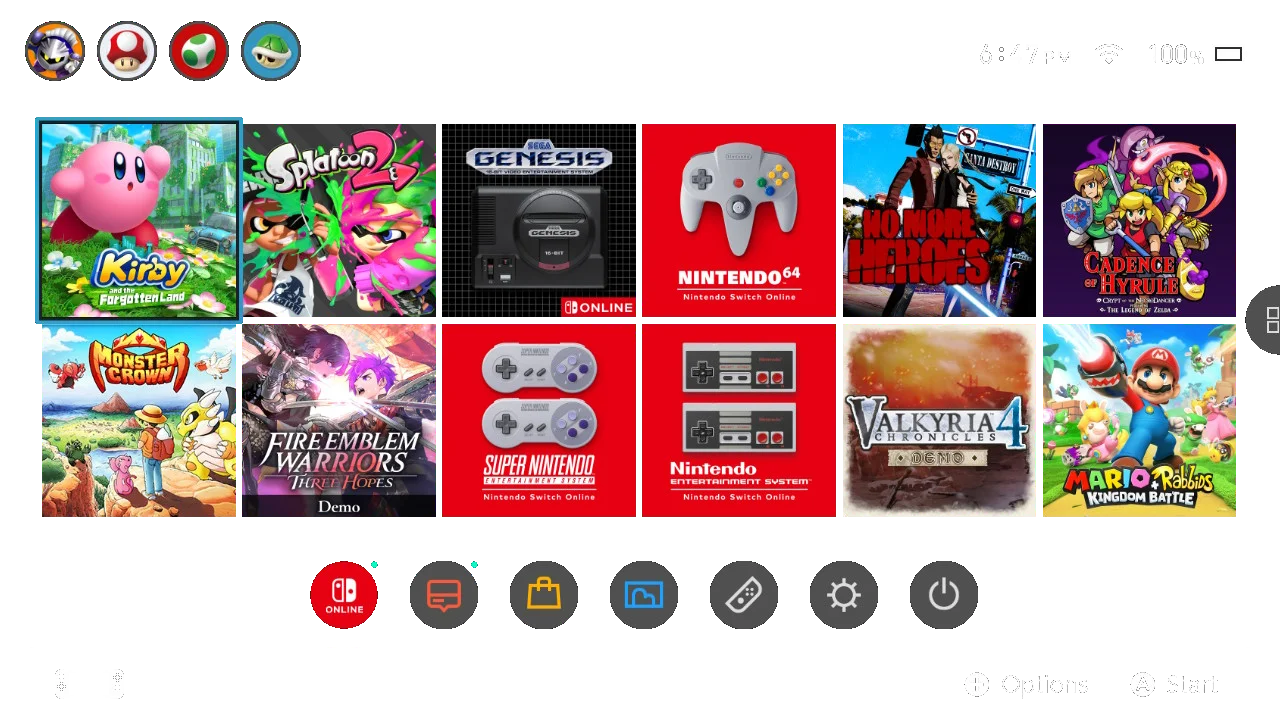
Two Row (12 Game Icons) (v20)
Same layout as before, but now with the GameShare and Virtual Card apps added in firmware 20. Options to have the old news/eshop colours (red and yellow) or just the eshop (green and yellow). Based off gobbldygook’s design (https://themezer.net/layouts/homemenu/Vanilla-ish-Two-Row-Layout-10)

Home Menu
Avatar
themangoviking
12
Screenshots
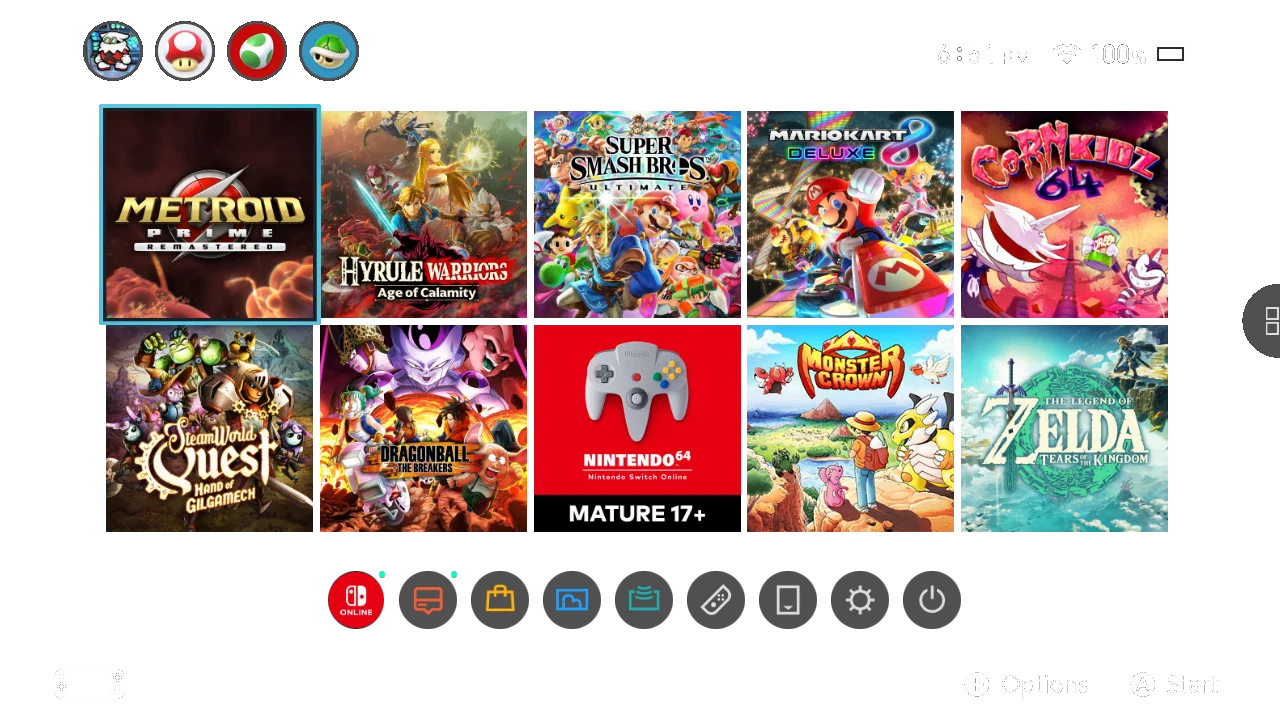
Two Row (10 Game Icons)
Two Row Layout with 10 game icons, and options for various sizes. Includes all applets and fixed issue with cursor jumping to profiles/applets. Based off gobbldygook’s design (https://themezer.net/layouts/homemenu/Vanilla-ish-Two-Row-Layout-10)
Home Menu
Avatar
themangoviking
7
Screenshots
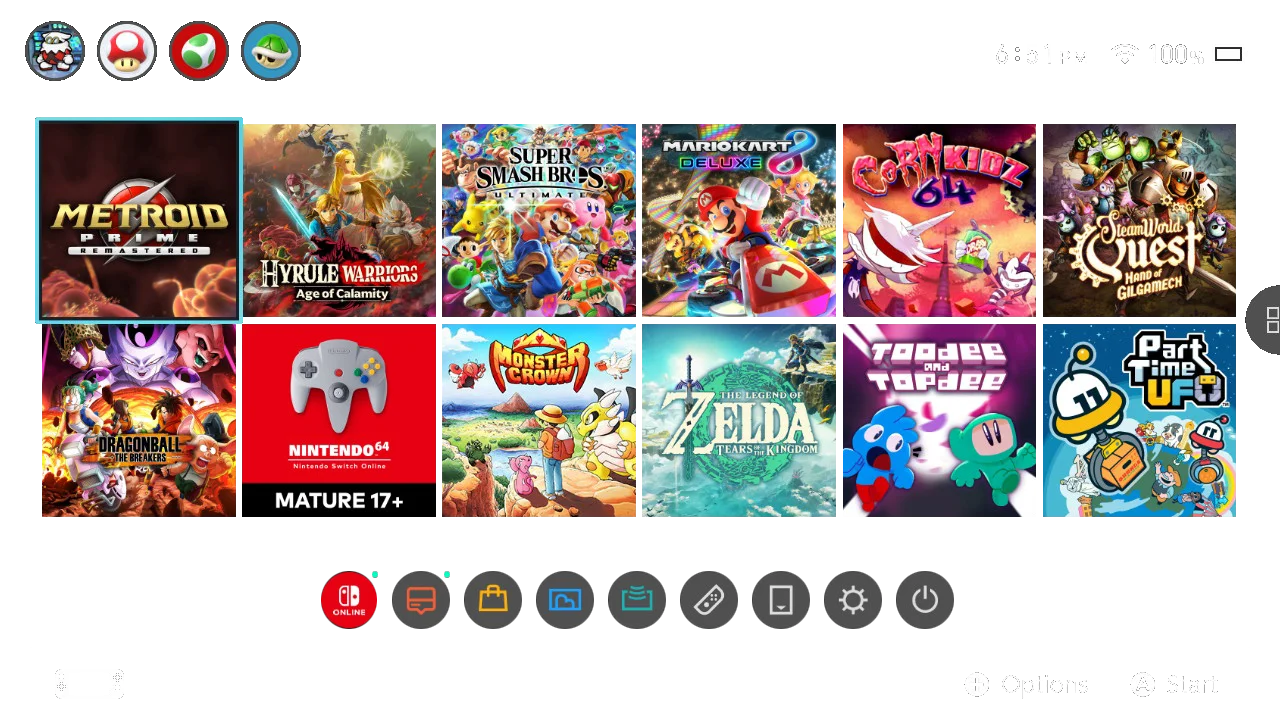
Two Row (12 Game Icons)
Two Row Layout. Includes all applets and fixed issue with cursor jumping to profiles/applets. Based off gobbldygook’s design (https://themezer.net/layouts/homemenu/Vanilla-ish-Two-Row-Layout-10)
Home Menu
Avatar
themangoviking
6
Screenshots
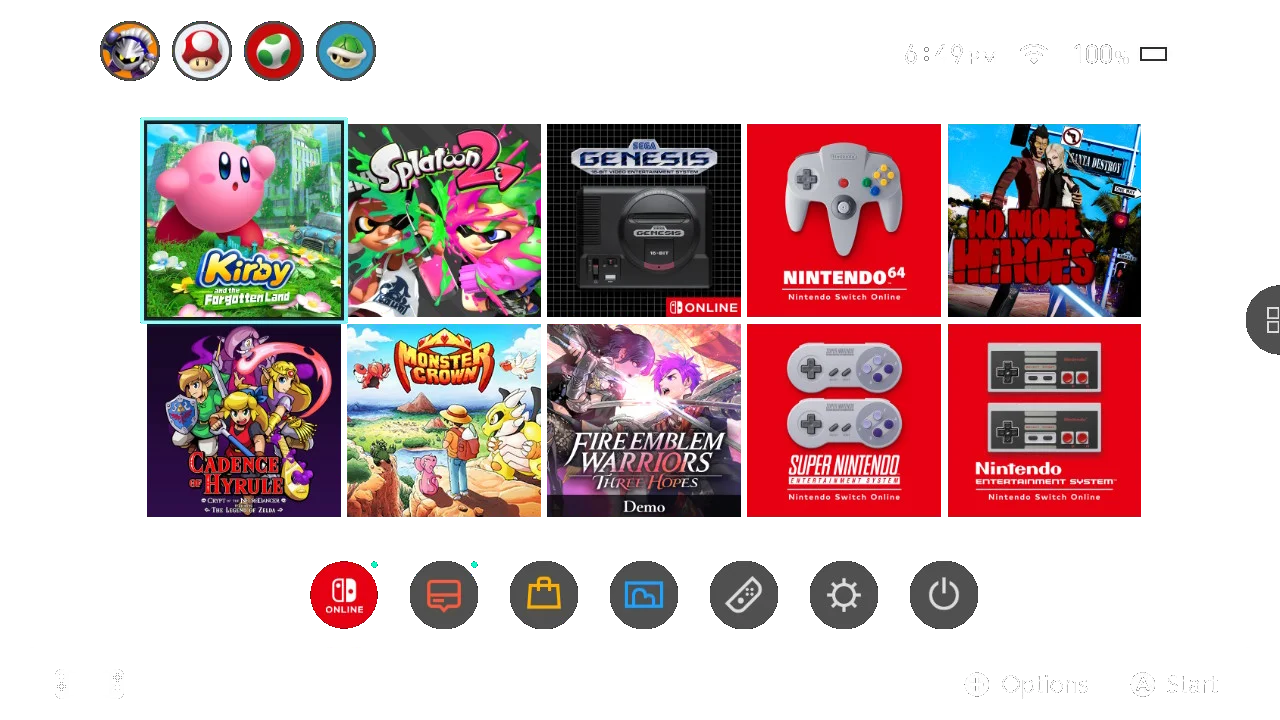
Two Row (10 Game Icons) (v20)
Same layout as before, but now with the GameShare and Virtual Card apps added in firmware 20. Options to have the old news/eshop colours (red and yellow) or just the eshop (green and yellow). Based off gobbldygook’s design (https://themezer.net/layouts/homemenu/Vanilla-ish-Two-Row-Layout-10)
Home Menu
Avatar
themangoviking
5
DiscordAPIStatus
AboutContactGuidelinesTerms of ServicePrivacy PolicyCopyright / DMCA
© 2020-2026 ThemezerThemezer is an independent community project and is not affiliated with Nintendo.