
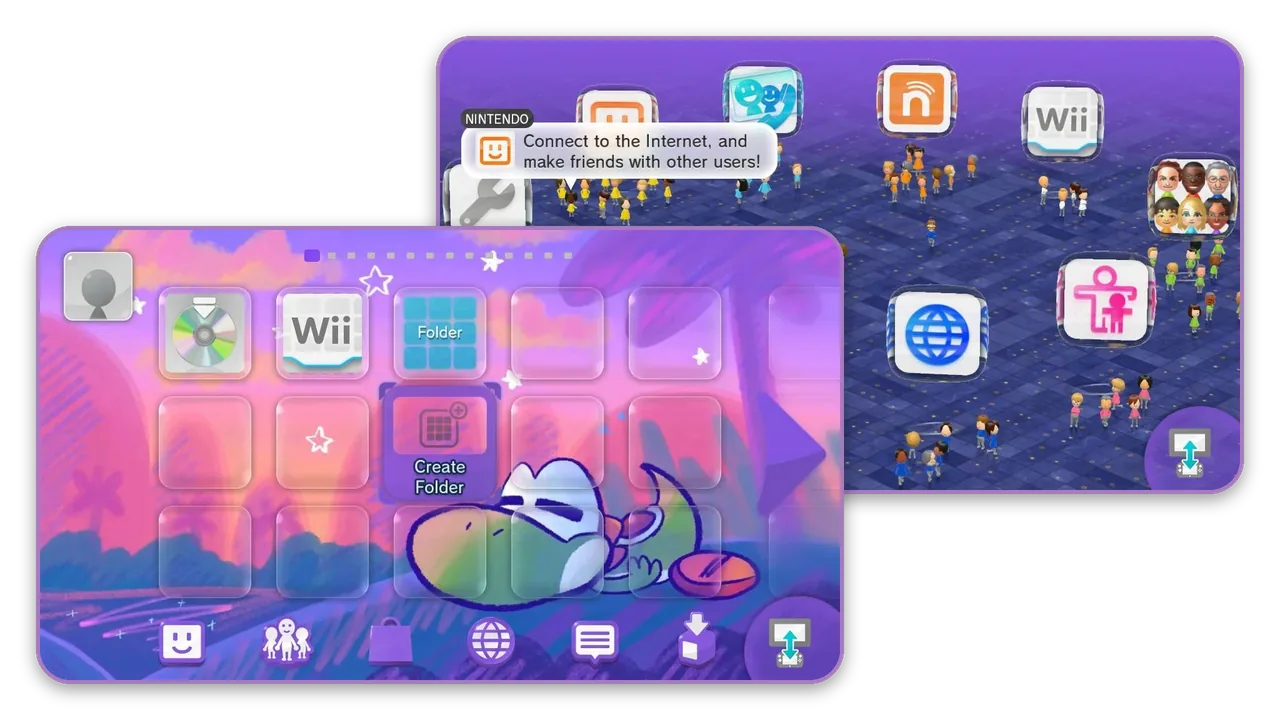
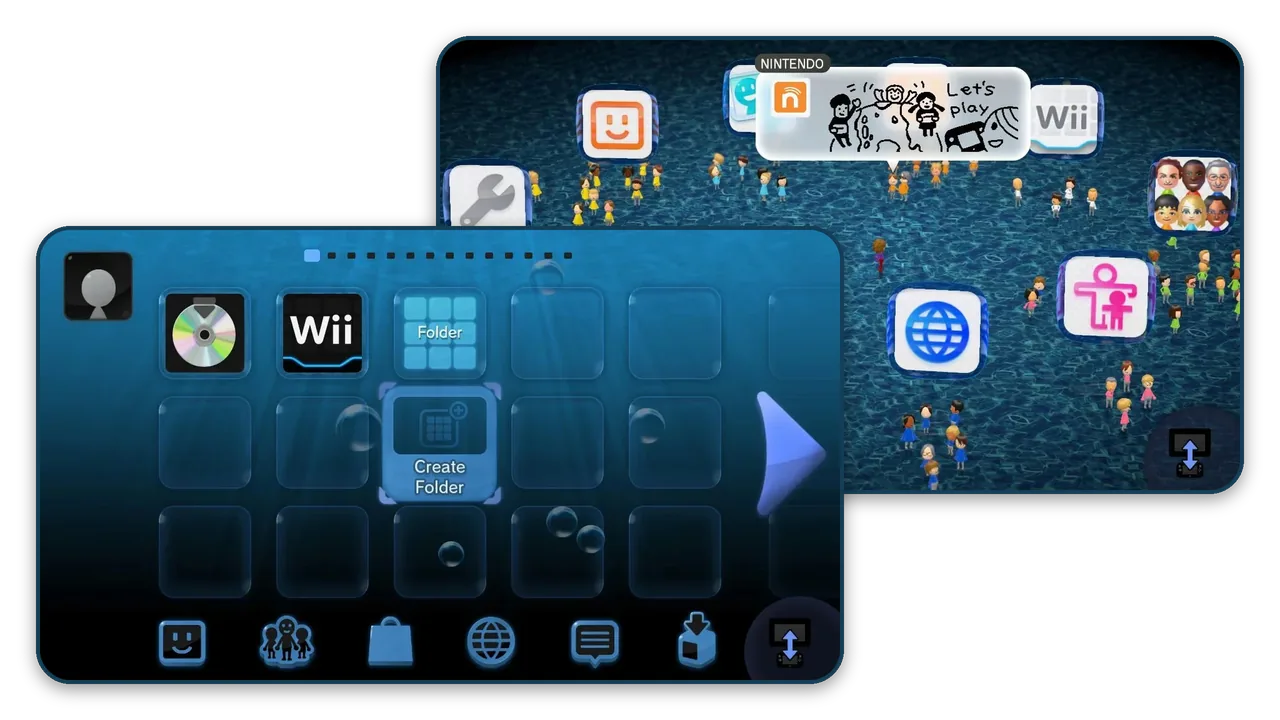
Wii U Hub
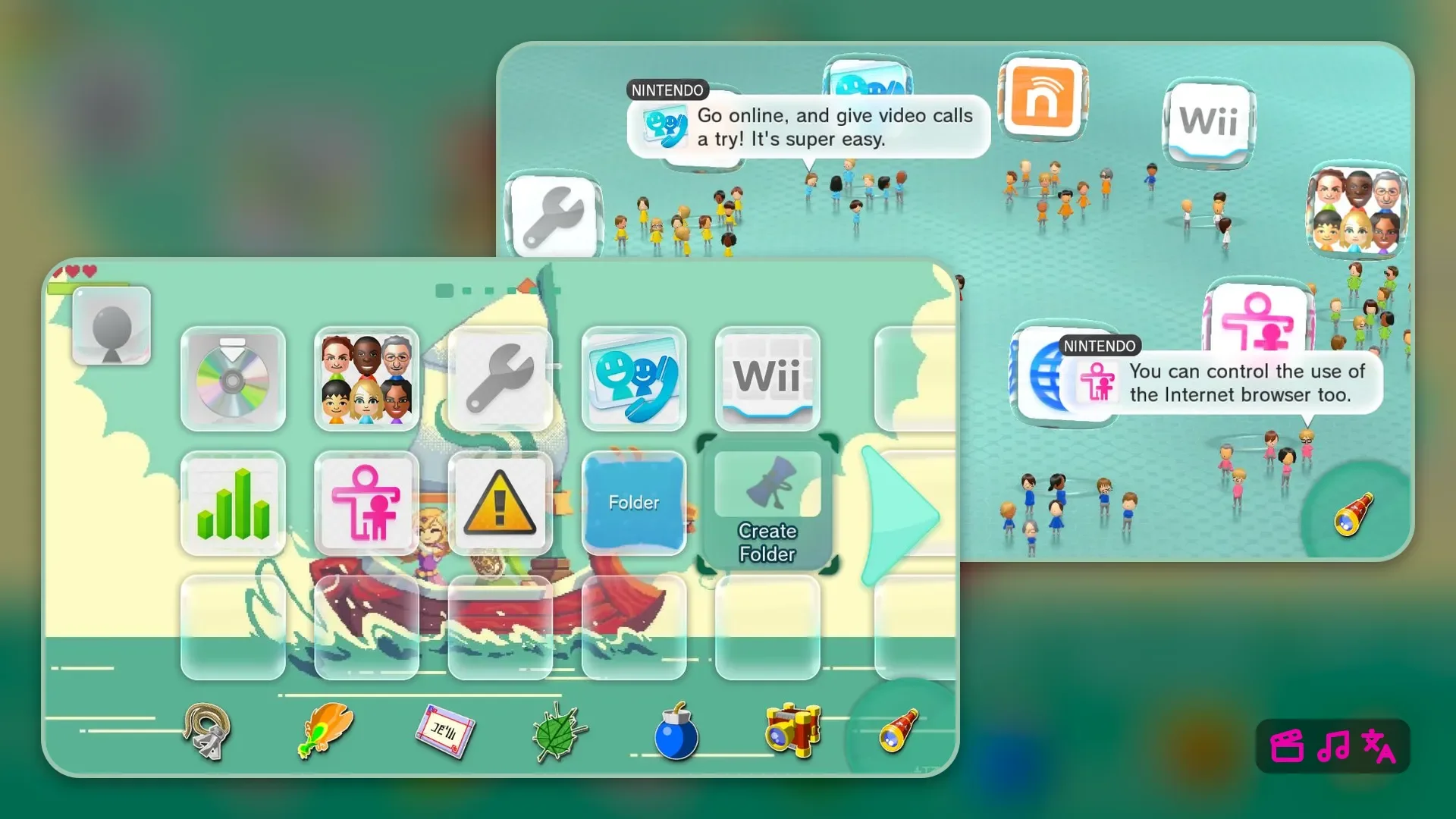
Fountain Of Dreams by Gatto
Get started in three steps
- 1
Mod your Wii U
Themes need the Aroma homebrew environment. Follow the Wii U Hacks Guide, or skip this step if your Wii U already runs Aroma.
- 2
Install Themiify
Open the Homebrew App Store on your Wii U and install Themiify, StyleMiiU and System Font Replacer. Themiify installs themes, the StyleMiiU plugin shows them in the Wii U Menu, and System Font Replacer loads a theme's custom font.

- 3
Install a theme
In Themiify, enter the Quick ID or scan the QR code shown on any theme on this site.
 ABC123
Made by the community
Browse all Themes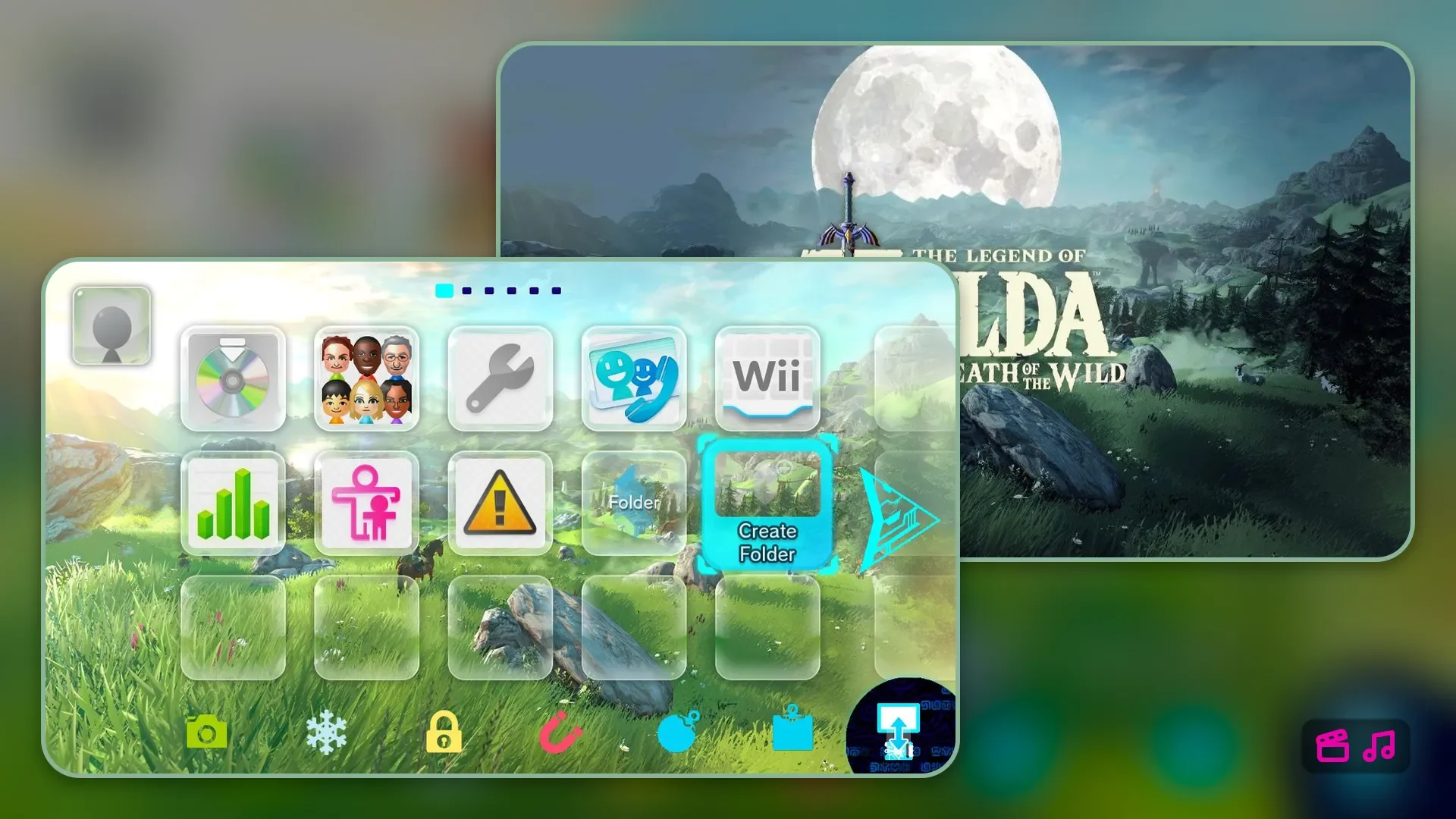

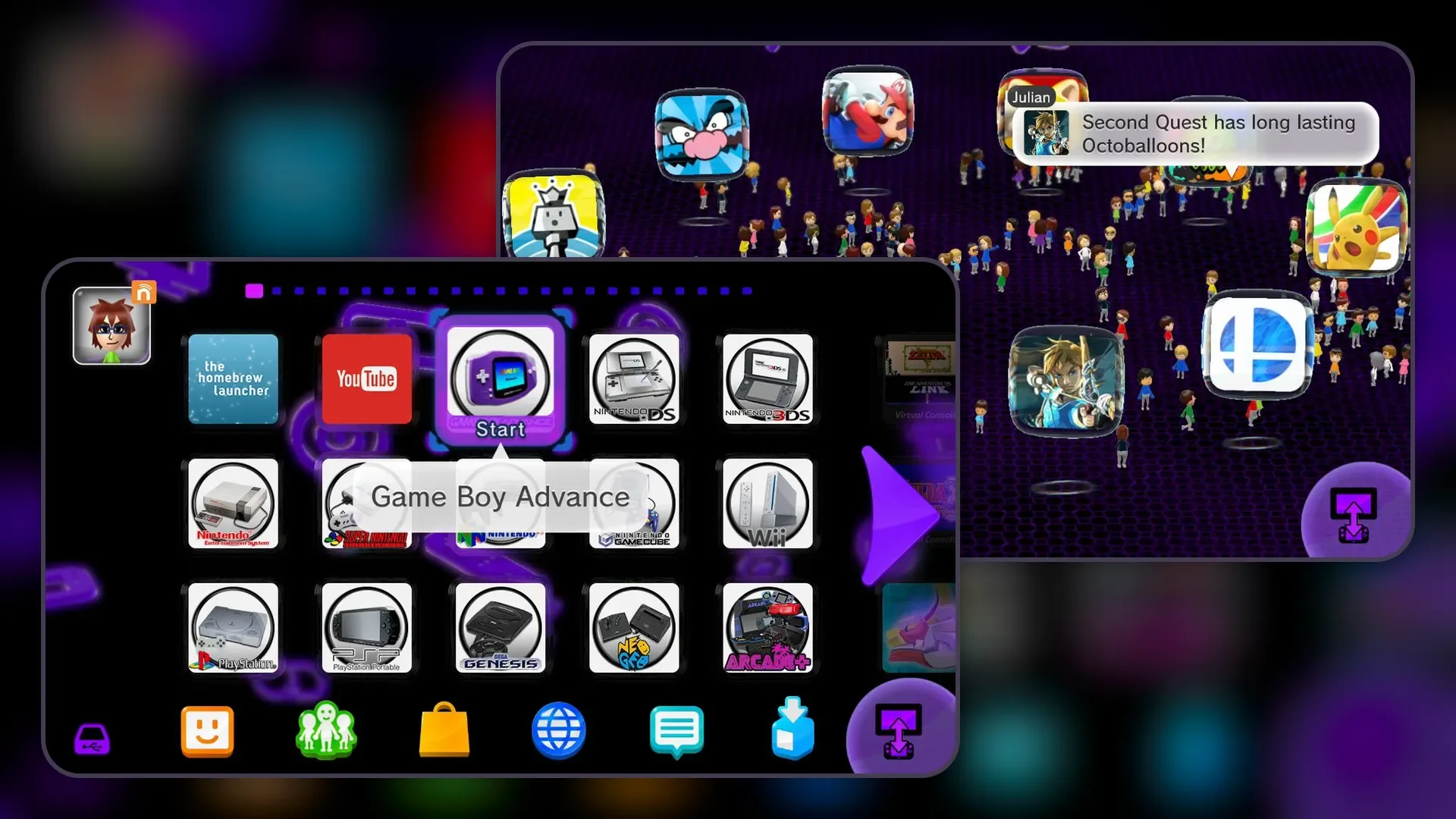
Make your own
Make a theme right in your browser, then share it with everyone or keep it for yourself.
Tools, guides & community
FAQ & Troubleshooting
Themezer Theme Café