App Icon
  • Home
  • Create & Upload
  • Switch
  • 3DS/2DS
  • Wii U
  1. Switch
Search & Filter
24 results
Color
Assets
Tags
Related
Hxhiep
Dark ModeLight Mode
Dark ModeLight Mode
Quick Links
Screenshots
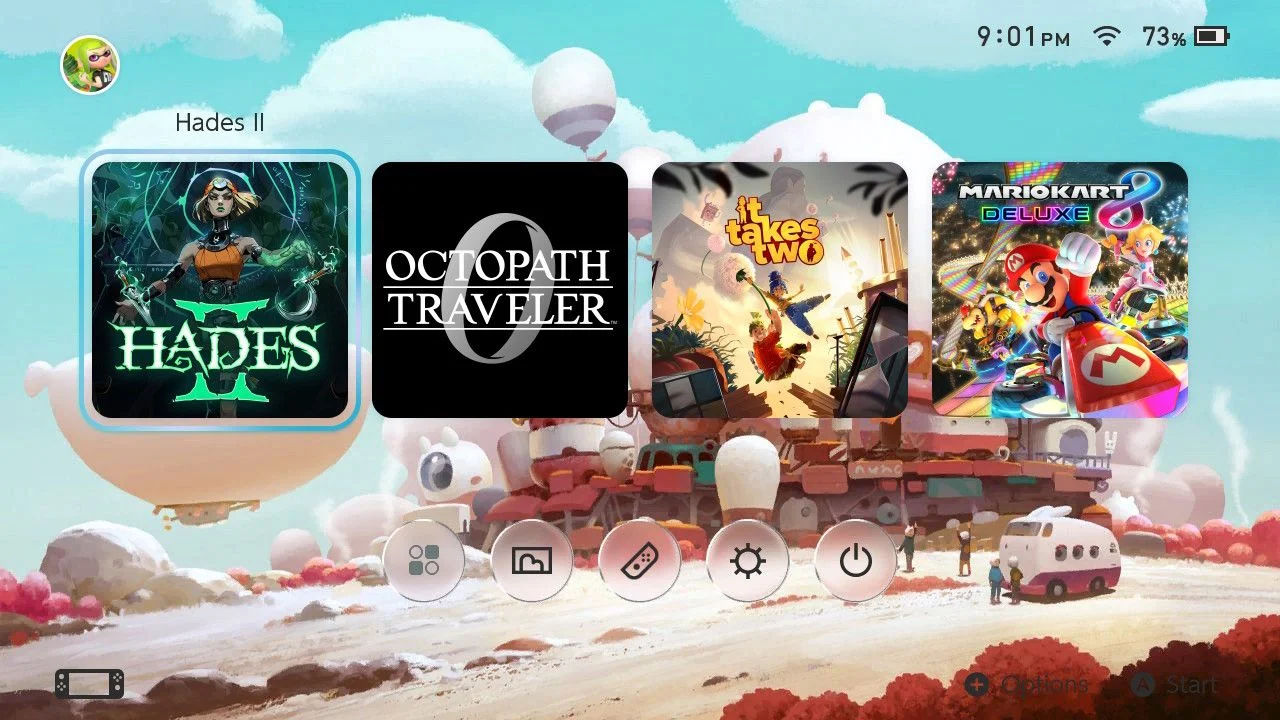
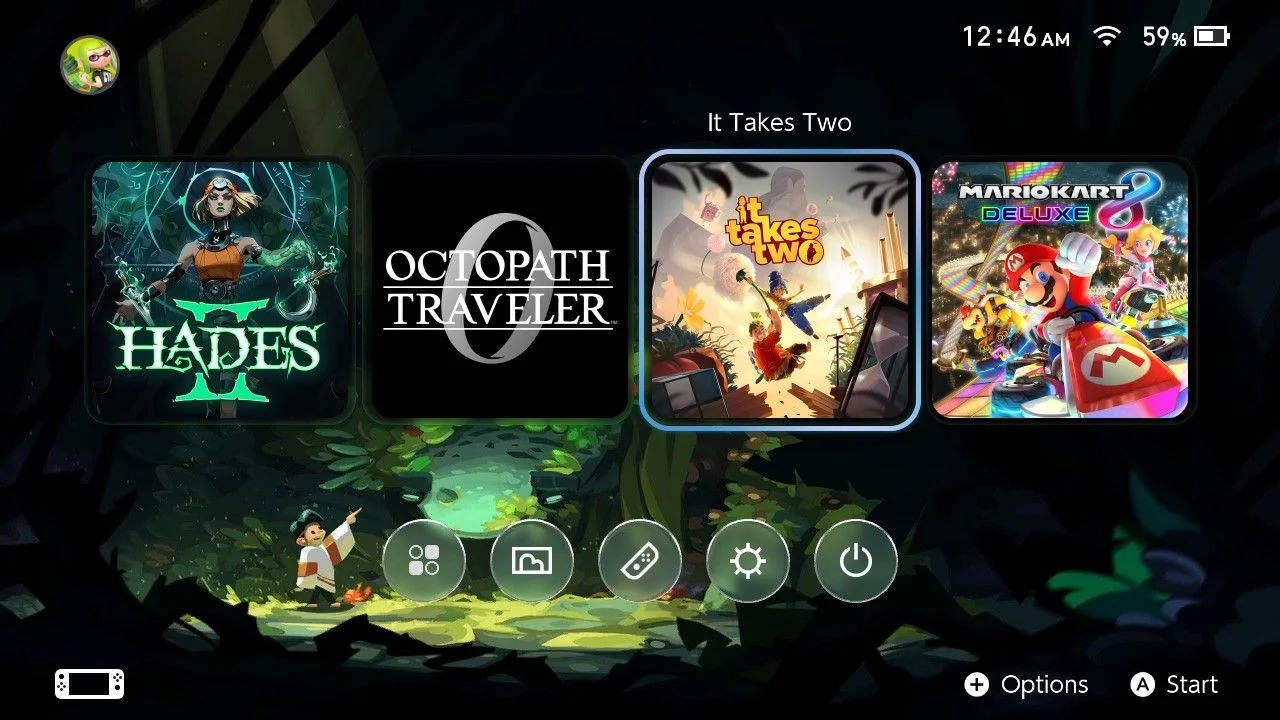
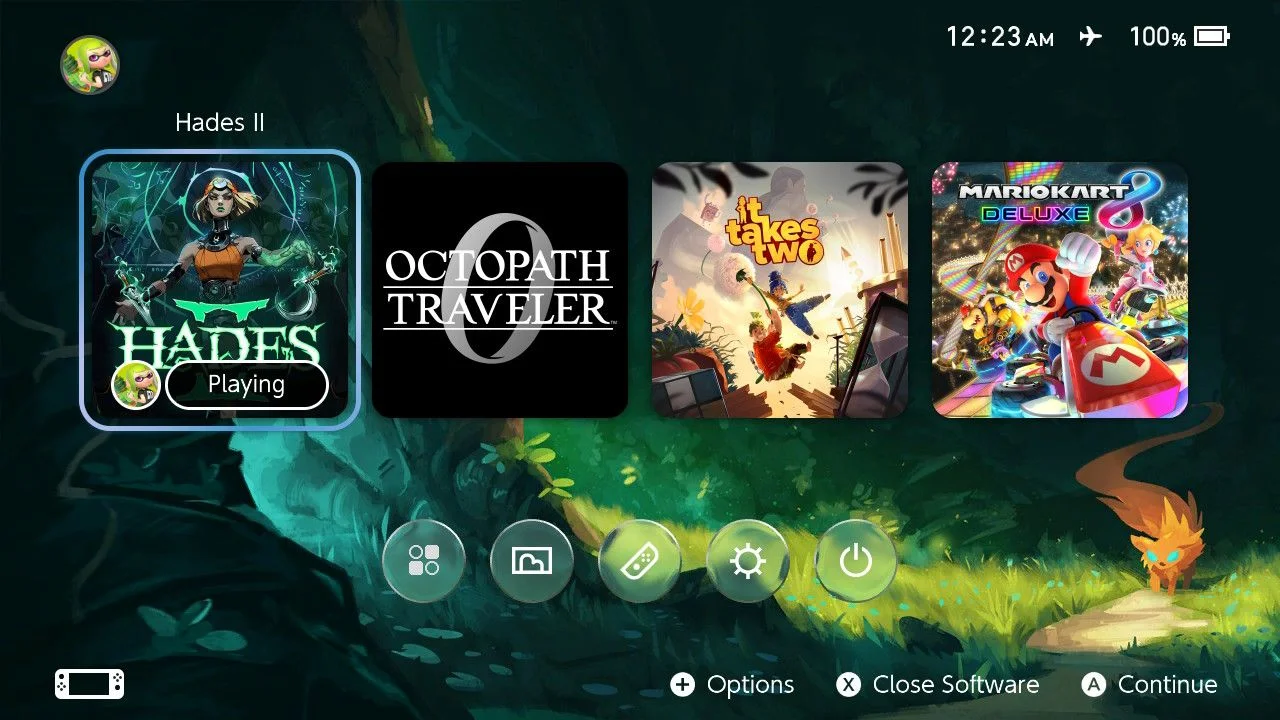
Magic Fox
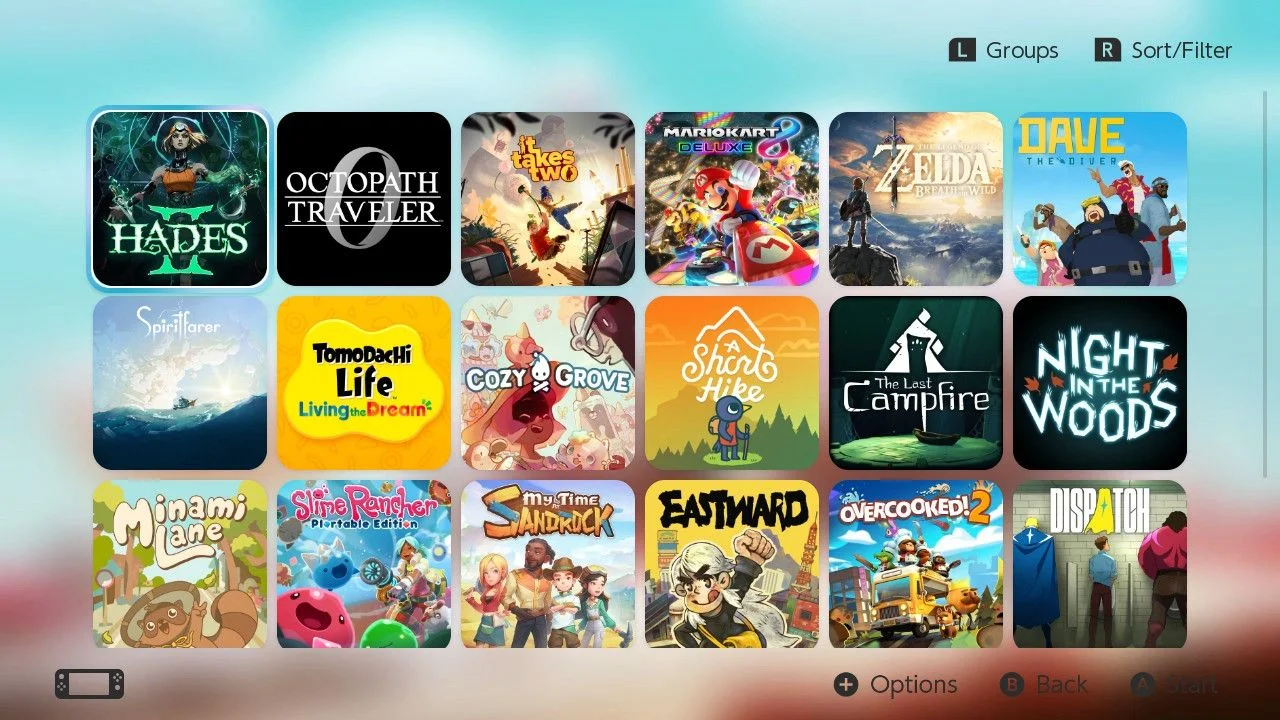
After installing, go to Settings → Themes → Basic Dark. Limit the display to a maximum of four game icons to keep the focus on the gaming experience rather than the screen. Move the All Software button to the bottom row and apply the Liquid Glass design to it.
Home Menu
Avatar
hxhiep
0 saves0
549 downloads549
Screenshots
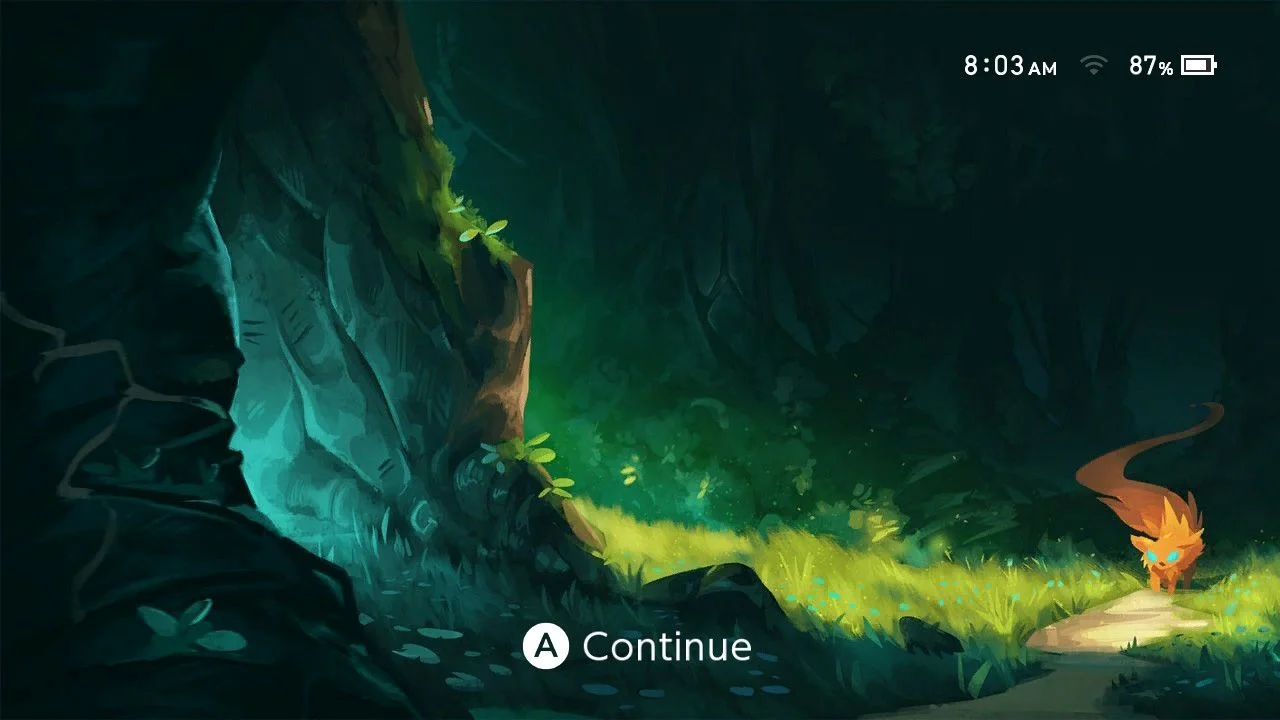
Magic Fox Lock Screen
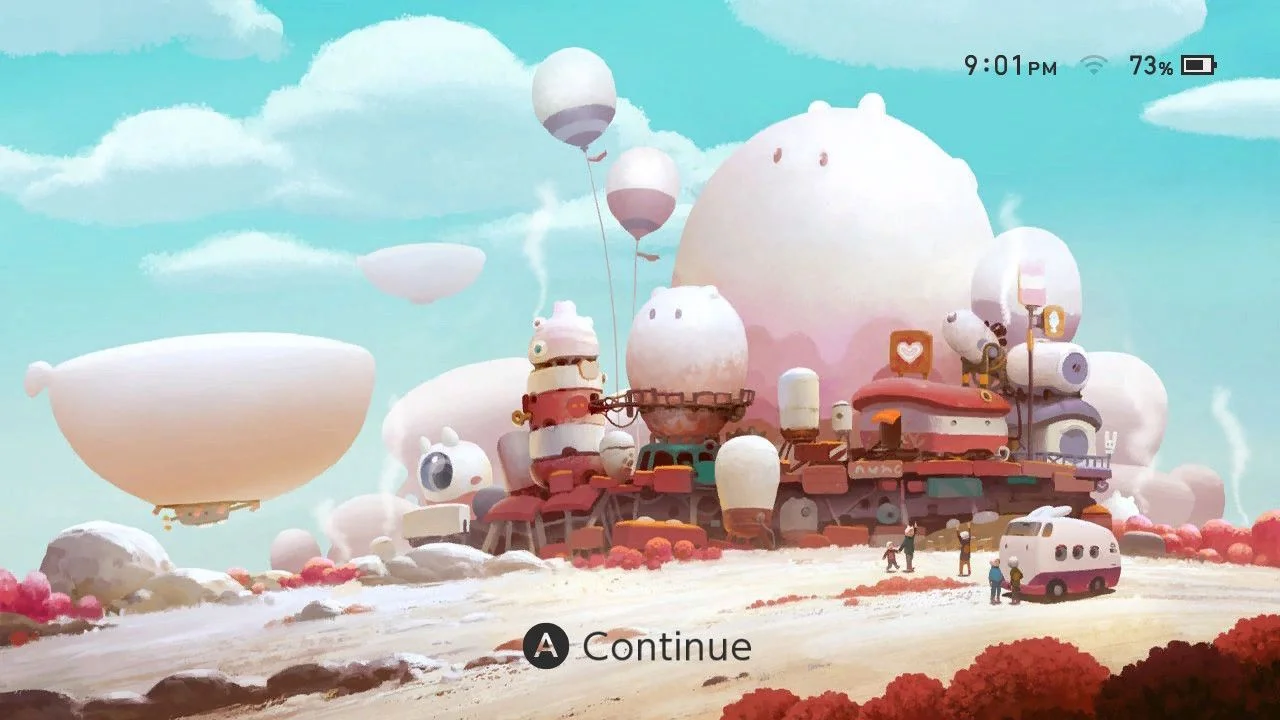
Remove news and unnecessary information. This is the artist page: https://www.artstation.com/artwork/Q28yZ
Lockscreen
Avatar
hxhiep
0 saves0
518 downloads518
Screenshots
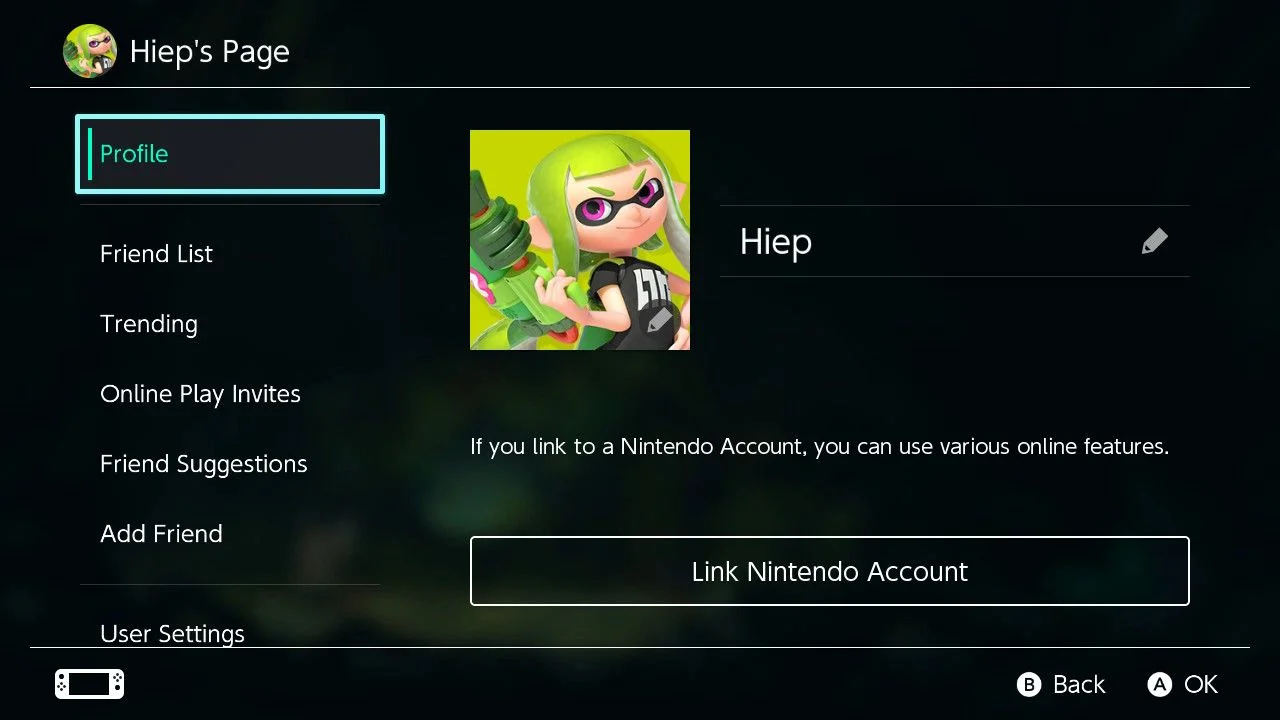
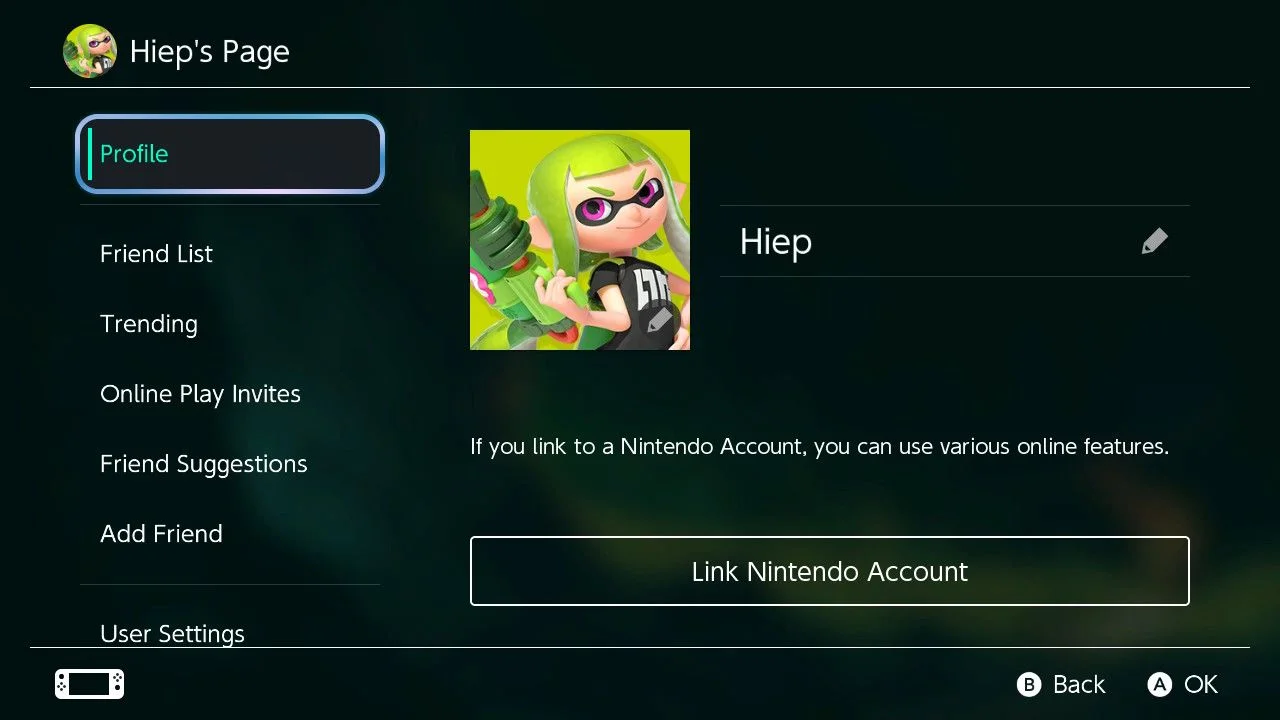
Magic Fox User Page
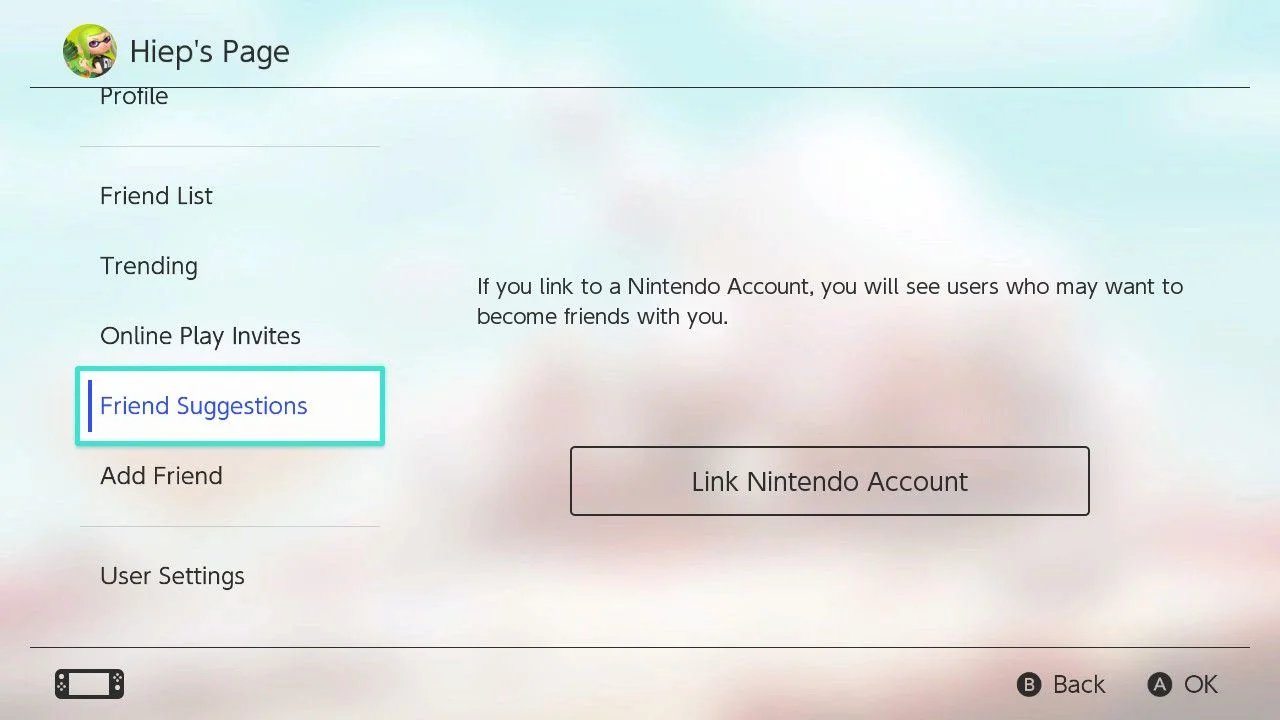
Use a darker background to improve readability.
User Page
Avatar
hxhiep
0 saves0
515 downloads515
Screenshots
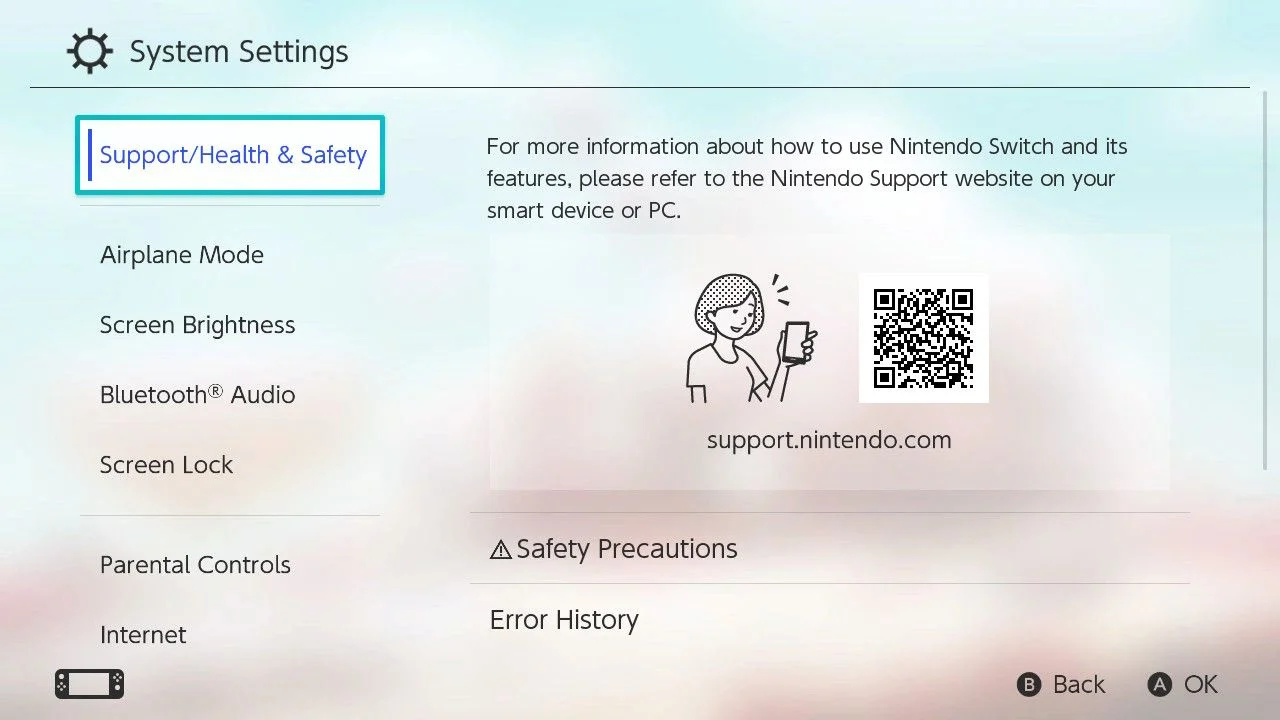
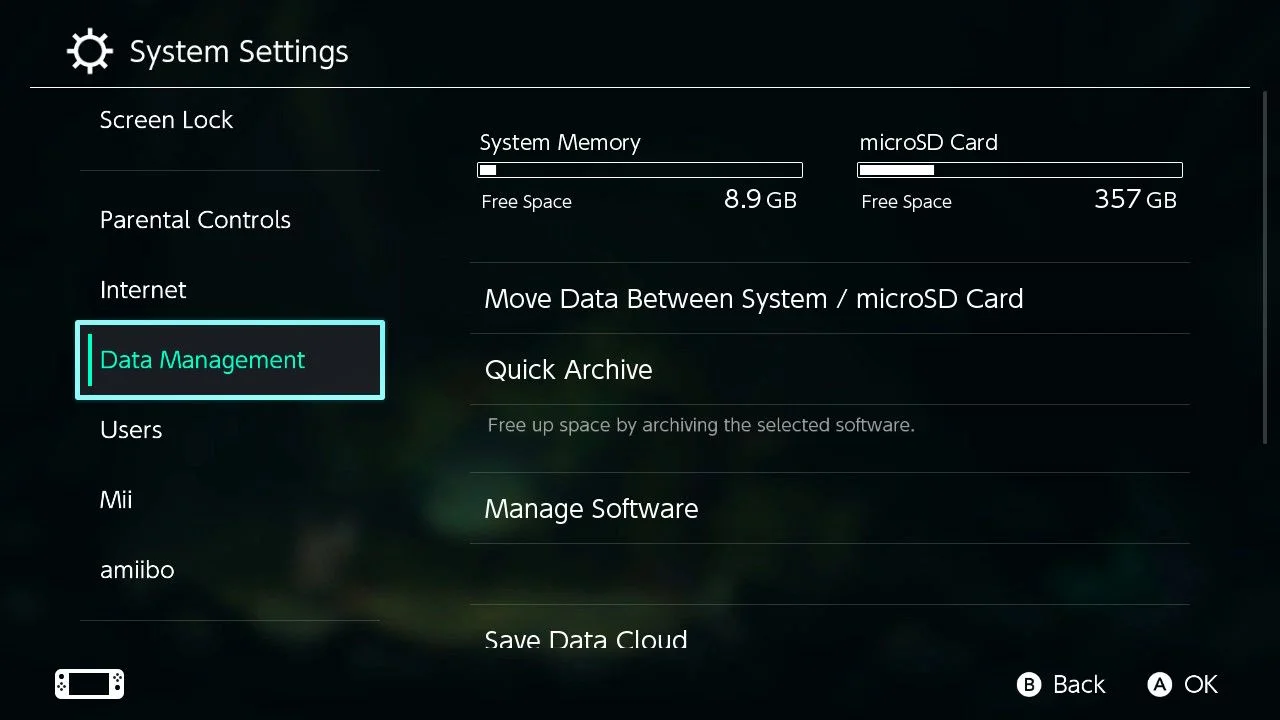
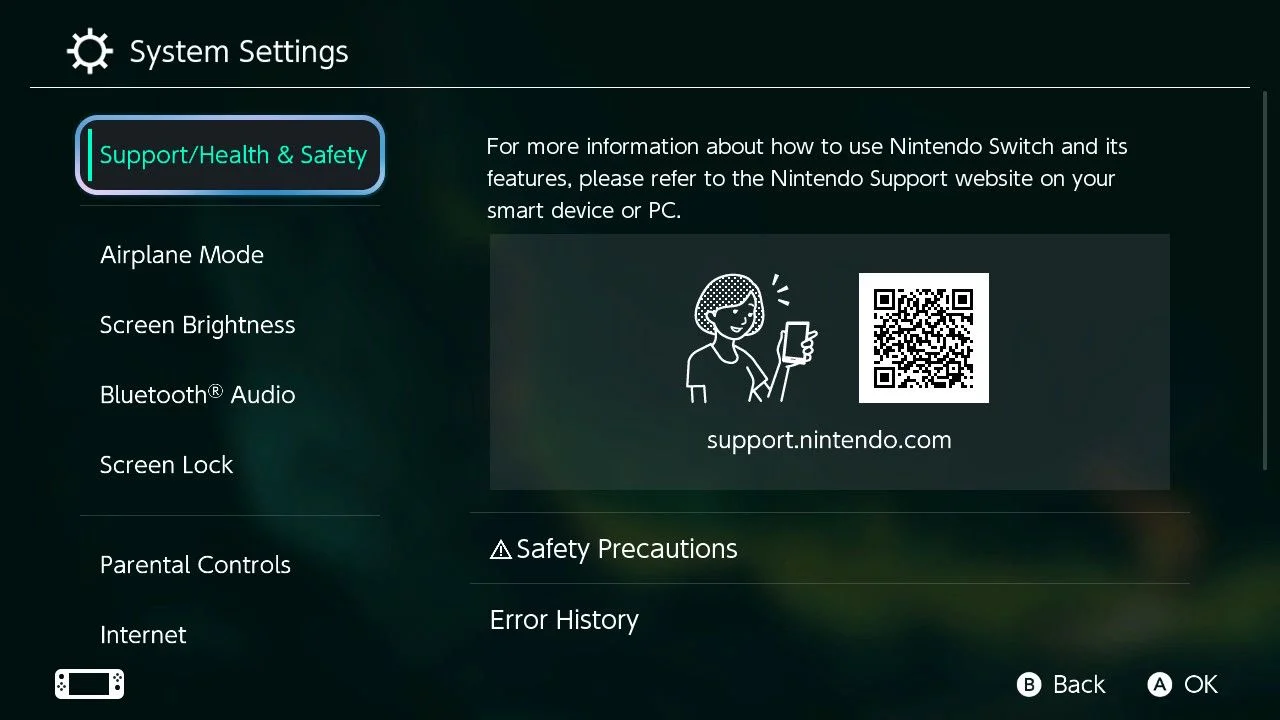
Magic Fox Settings
Opt for a darker background to keep things easy to read.
Settings
Avatar
hxhiep
0 saves0
514 downloads514
Screenshots
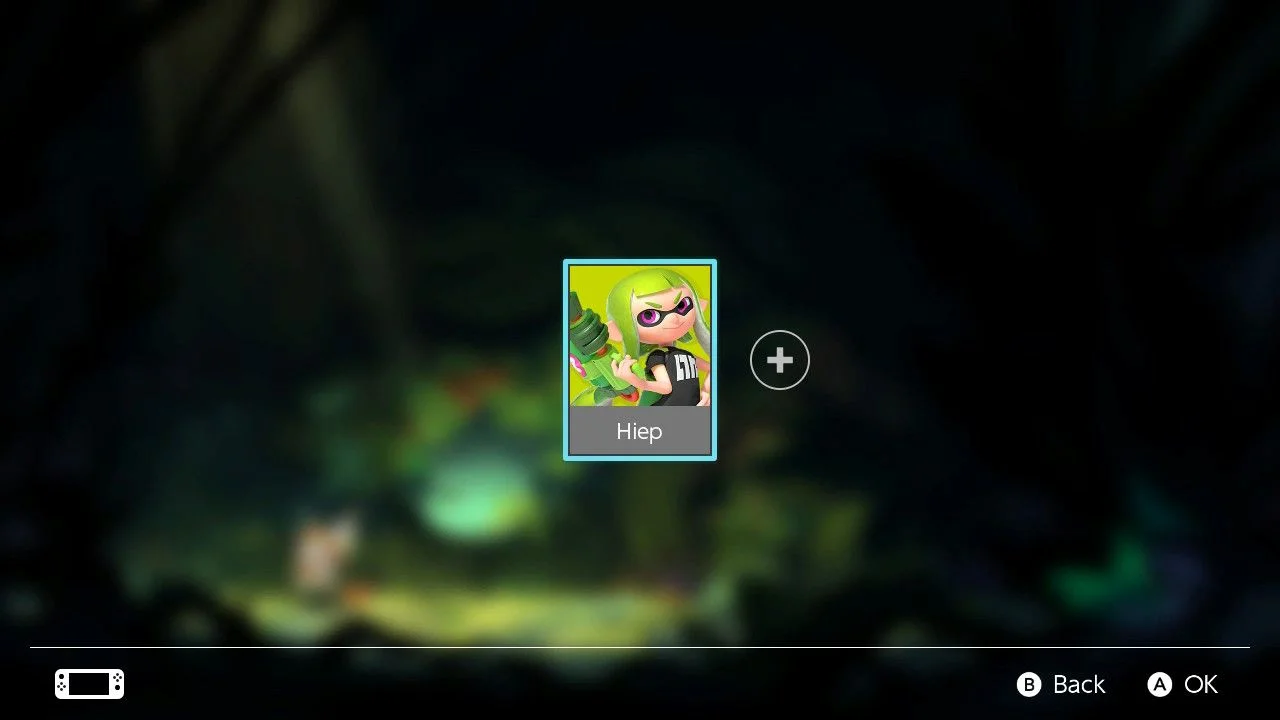
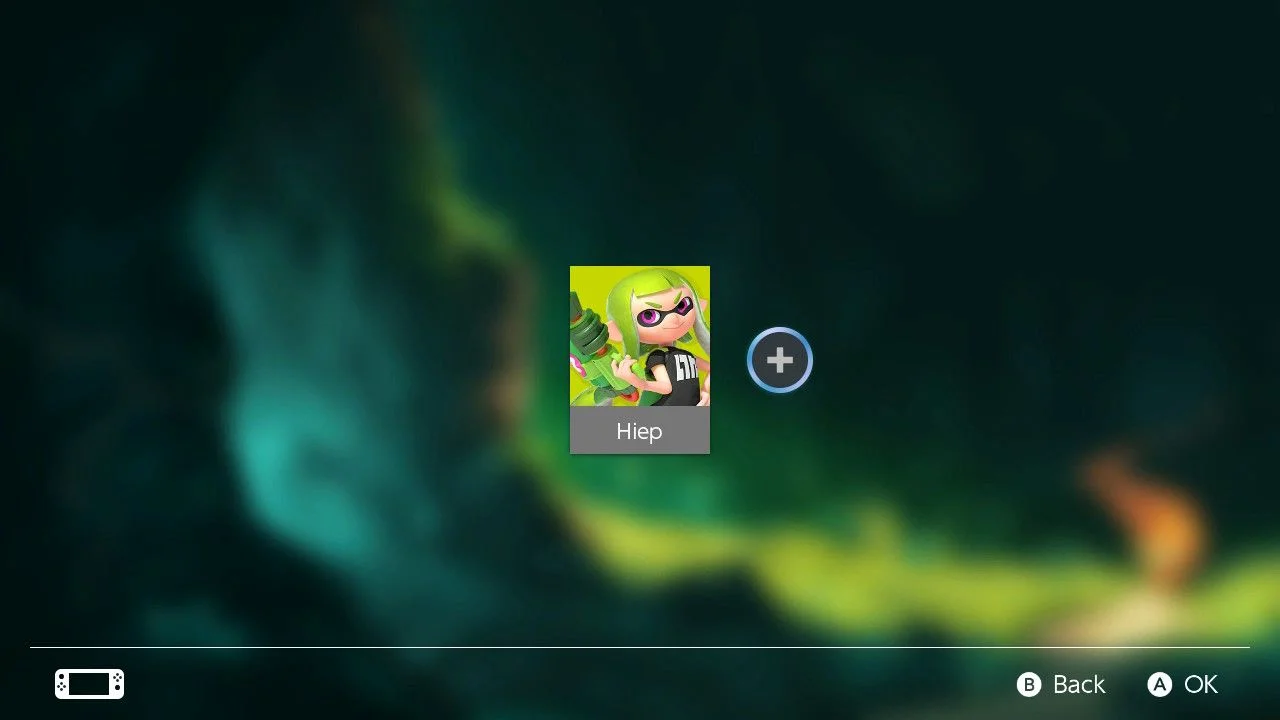
Magic Fox Player Select
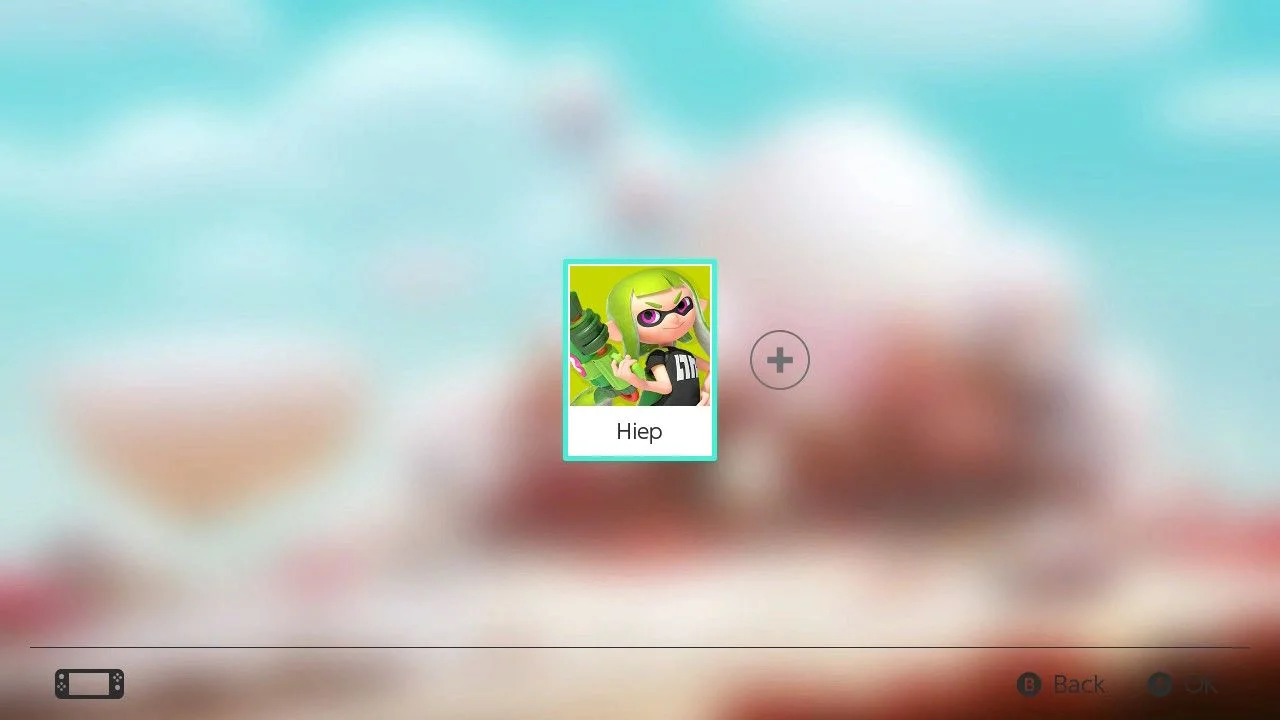
Simple and focus on the player
Player Selection
Avatar
hxhiep
0 saves0
507 downloads507
Screenshots
Magic Fox All Apps
Remove the header, hide the game title when focused, and remove the Redownload Software button.
All Apps
Avatar
hxhiep
0 saves0
513 downloads513
Screenshots
Pinky Odyssey
Remove the header, hide the game title when focused, and remove the Redownload Software button.
All Apps
Avatar
hxhiep
0 saves0
107 downloads107
Screenshots
Pinky Odyssey
After installation, head to Settings → Themes → Basic Light. Limit the display to four game icons to keep the focus on the gaming experience rather than the screen. Move the All Software button to the bottom row and give it the Liquid Glass design. Also, remove the bushes as shown in the screenshot.
Home Menu

Avatar
hxhiep
0 saves0
116 downloads116
Screenshots
Pinky Odyssey
I removed the red bushes, so they won’t appear like they do in the screenshot.
Lockscreen
Avatar
hxhiep
0 saves0
104 downloads104
Screenshots
Pinky Odyssey
Player Selection
Avatar
hxhiep
0 saves0
105 downloads105
Screenshots
Pinky Odyssey
Settings
Avatar
hxhiep
0 saves0
110 downloads110
Screenshots
Pinky Odyssey
User Page
Avatar
hxhiep
0 saves0
107 downloads107
Screenshots
Pastel Sea
Remove the header, hide the game title when focused, and remove the Redownload Software button.
All Apps
Avatar
hxhiep
0 saves0
571 downloads571
Screenshots
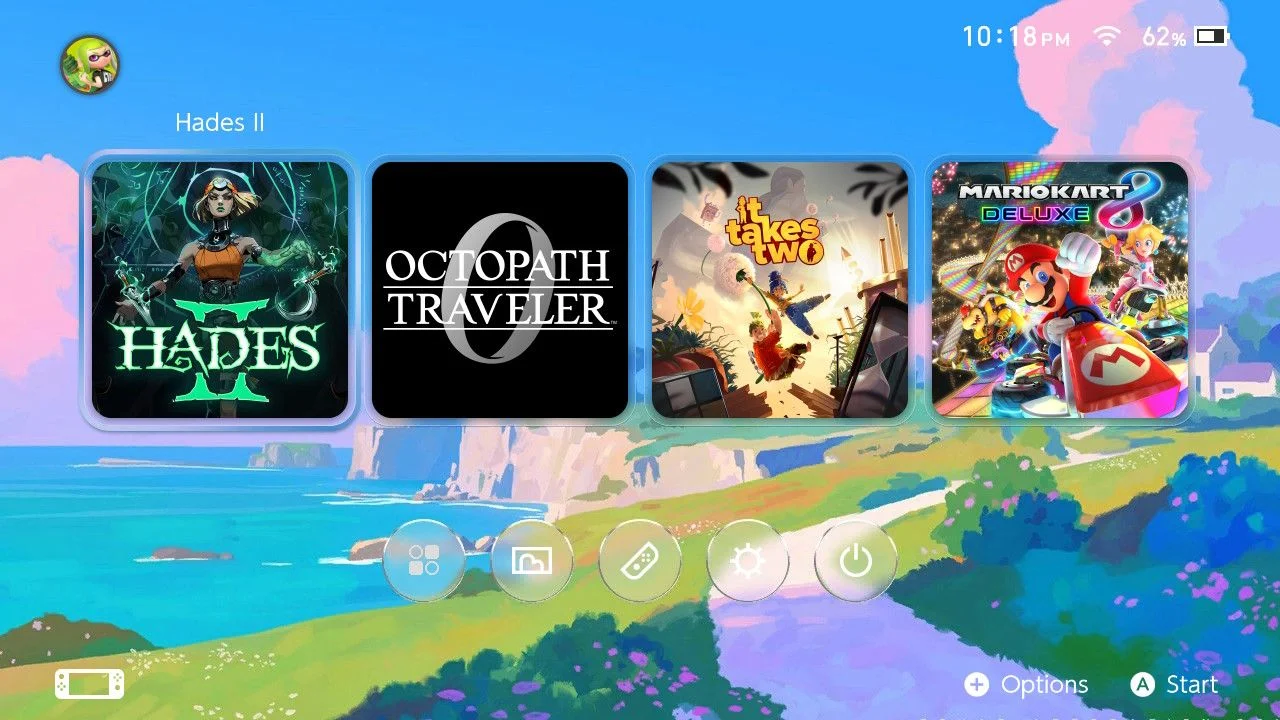
Pastel Sea
After installation, head to Settings → Themes → Basic Dark. Limit the display to four game icons to keep the focus on the gaming experience rather than the screen. Move the All Software button to the bottom row and give it the Liquid Glass design.
Home Menu
Avatar
hxhiep
0 saves0
604 downloads604
Screenshots
Pastel Sea
Lockscreen
Avatar
hxhiep
0 saves0
586 downloads586
Screenshots
Pastel Sea
Player Selection
Avatar
hxhiep
0 saves0
567 downloads567
Tags
Related
Hxhiep
Dark ModeLight Mode
Dark ModeLight Mode
DiscordAPIStatus
AboutContactGuidelinesTerms of ServicePrivacy PolicyCopyright / DMCA
© 2020-2026 ThemezerThemezer is an independent community project and is not affiliated with Nintendo.