
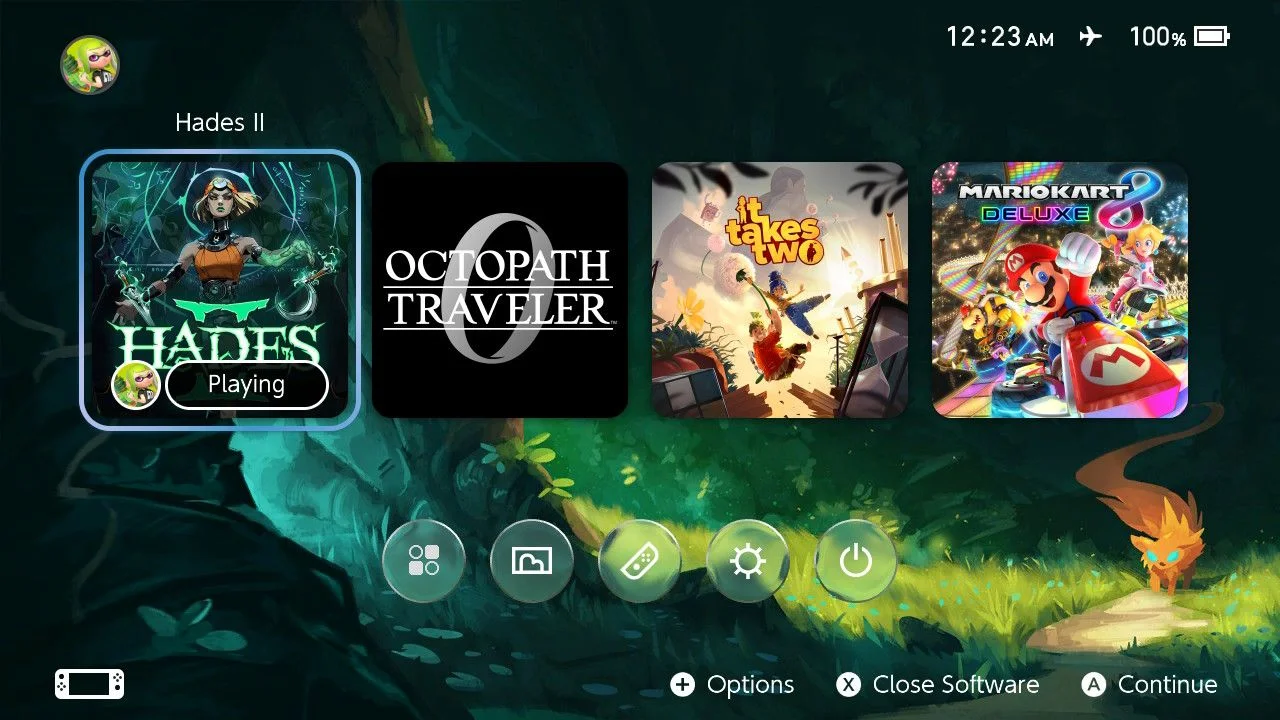
Click to enlarge preview
Magic Fox
Created 6/5/2026
0 saves
570 downloads
Home Menu
After installing, go to Settings → Themes → Basic Dark. Limit the display to a maximum of four game icons to keep the focus on the gaming experience rather than the screen. Move the All Software button to the bottom row and apply the Liquid Glass design to it.

 TAB18
TAB18
Comments